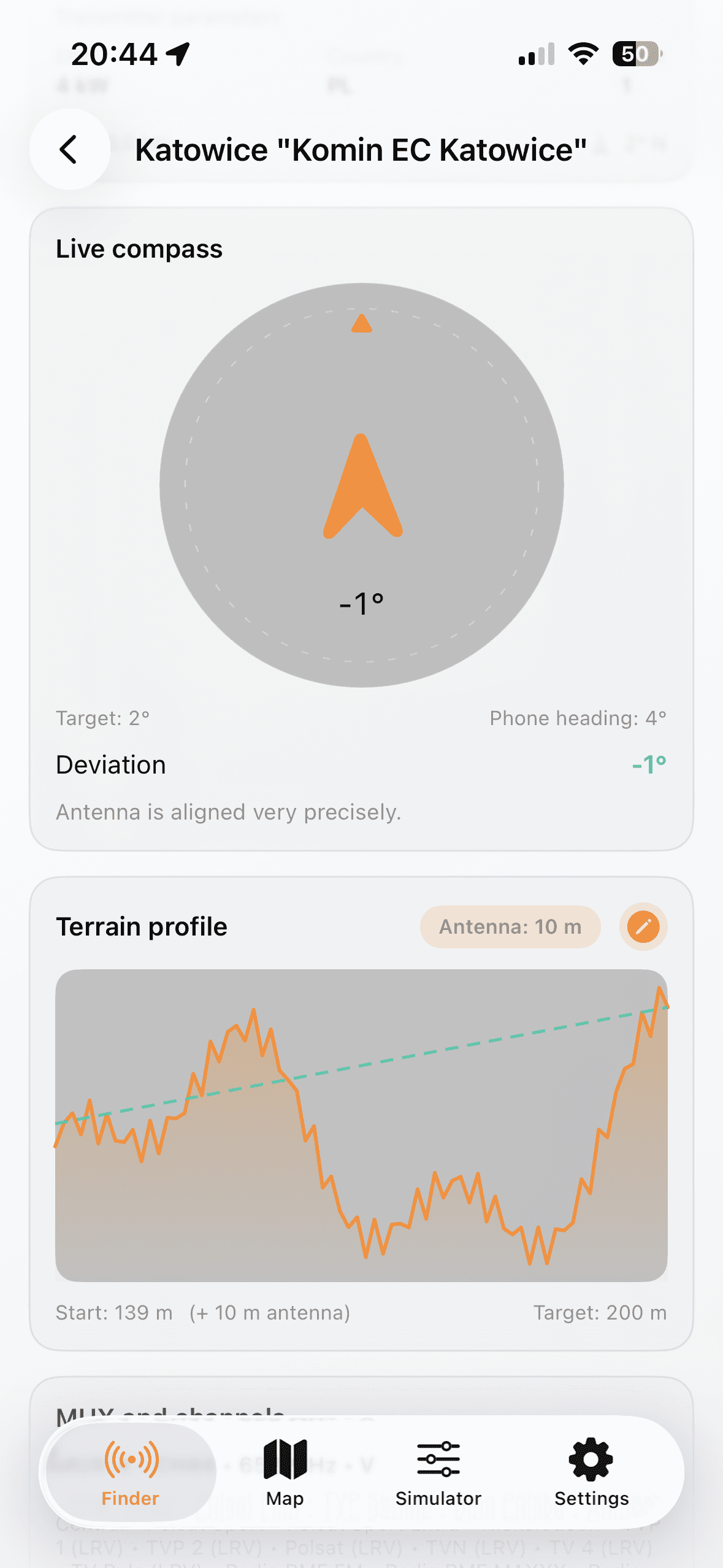
Vælg placering og sender
- Choose country and allow GPS or set manual coordinates.
- Open Finder and shortlist transmitters by distance and MUX.
- Open details to check azimuth, ERP, channels, and terrain profile.
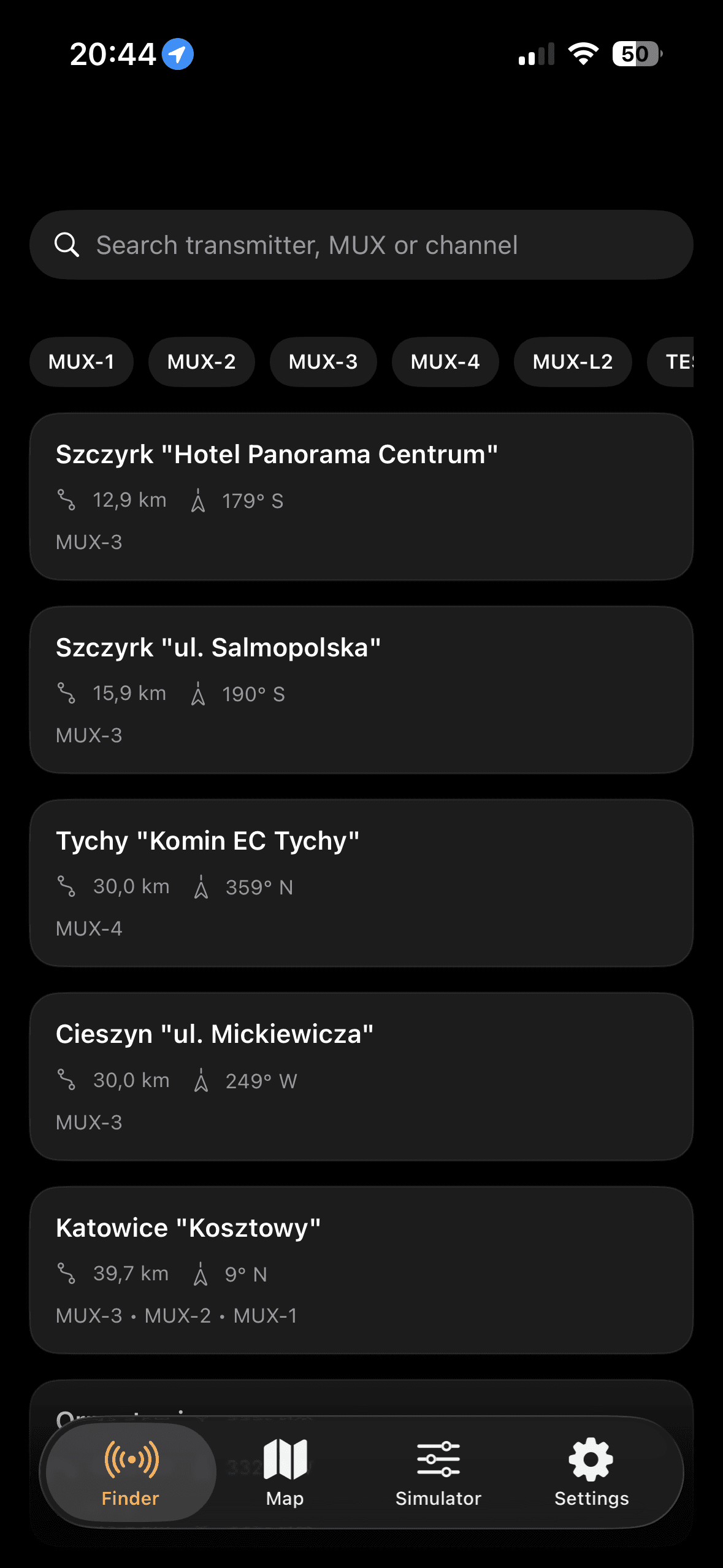
Et praktisk flow til hurtige feltkontroller og antennejustering.
Bedste resultat opnas med en iterativ proces i Danmark: vaelg sender, juster azimut med kompas, og valider margin med installationsparametre.