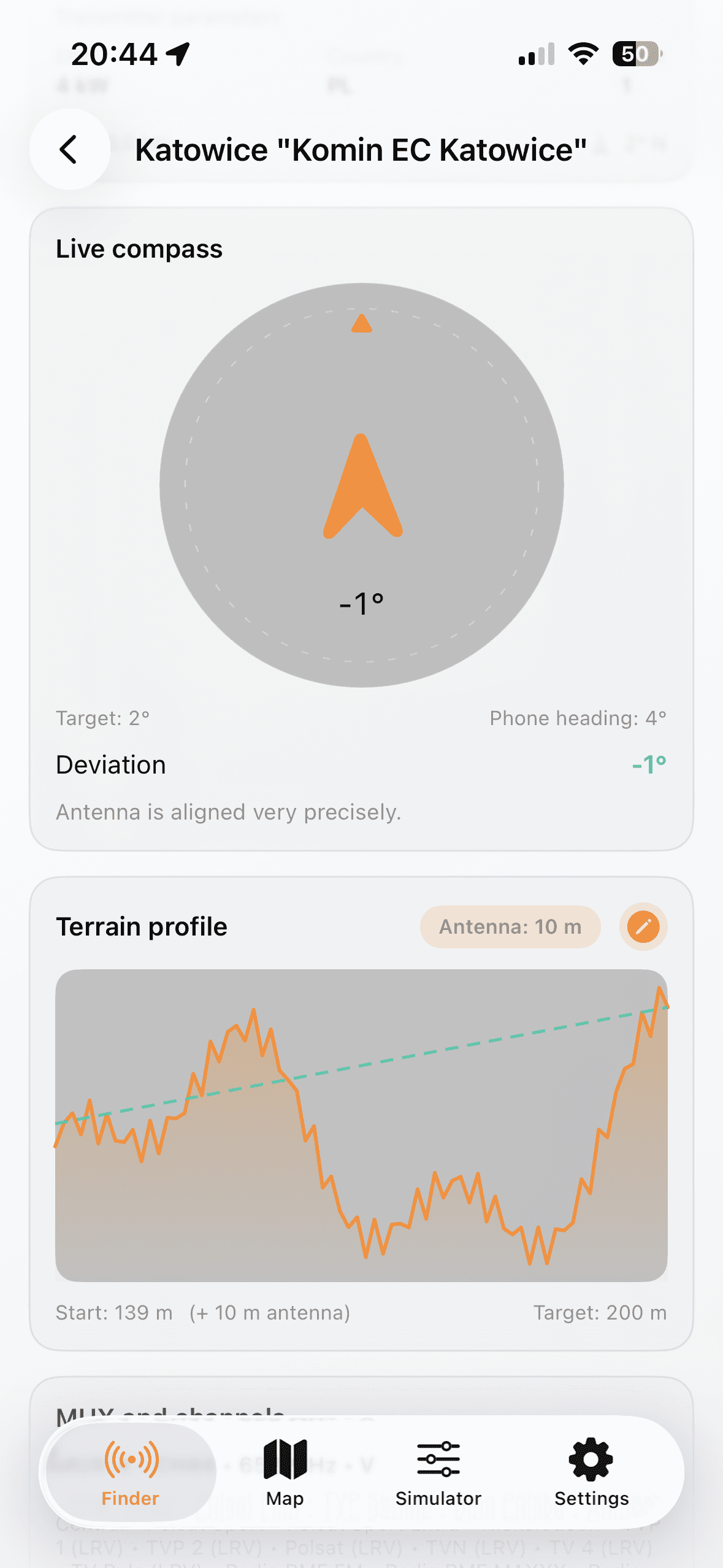
Select location and transmitter
- Choose country and allow GPS or set manual coordinates.
- Open Finder and shortlist transmitters by distance and MUX.
- Open details to check azimuth, ERP, channels, and terrain profile.
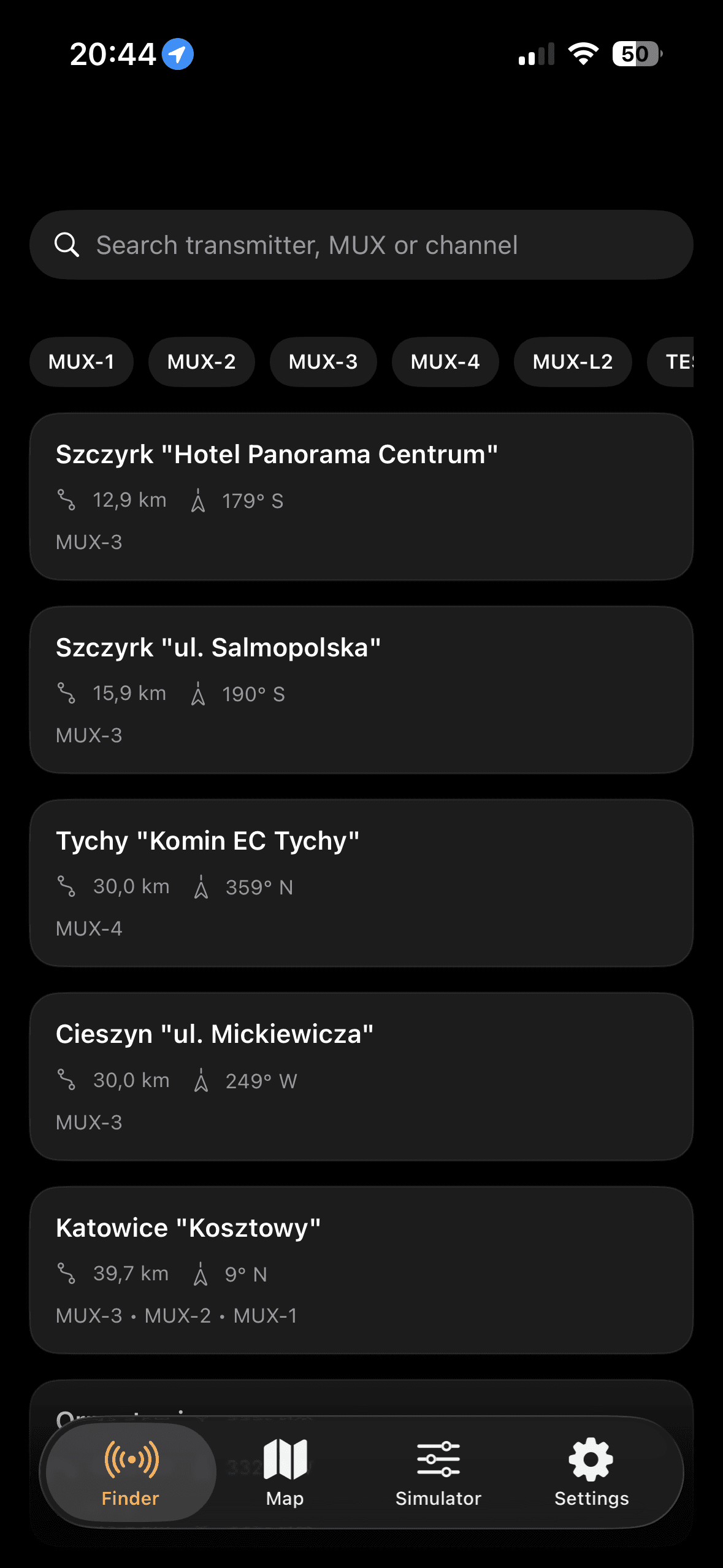
A practical flow for quick field checks and home antenna tuning.
The best results come from an iterative workflow in the United Kingdom: pick target transmitter, align azimuth with compass, then validate expected margin with installation parameters.