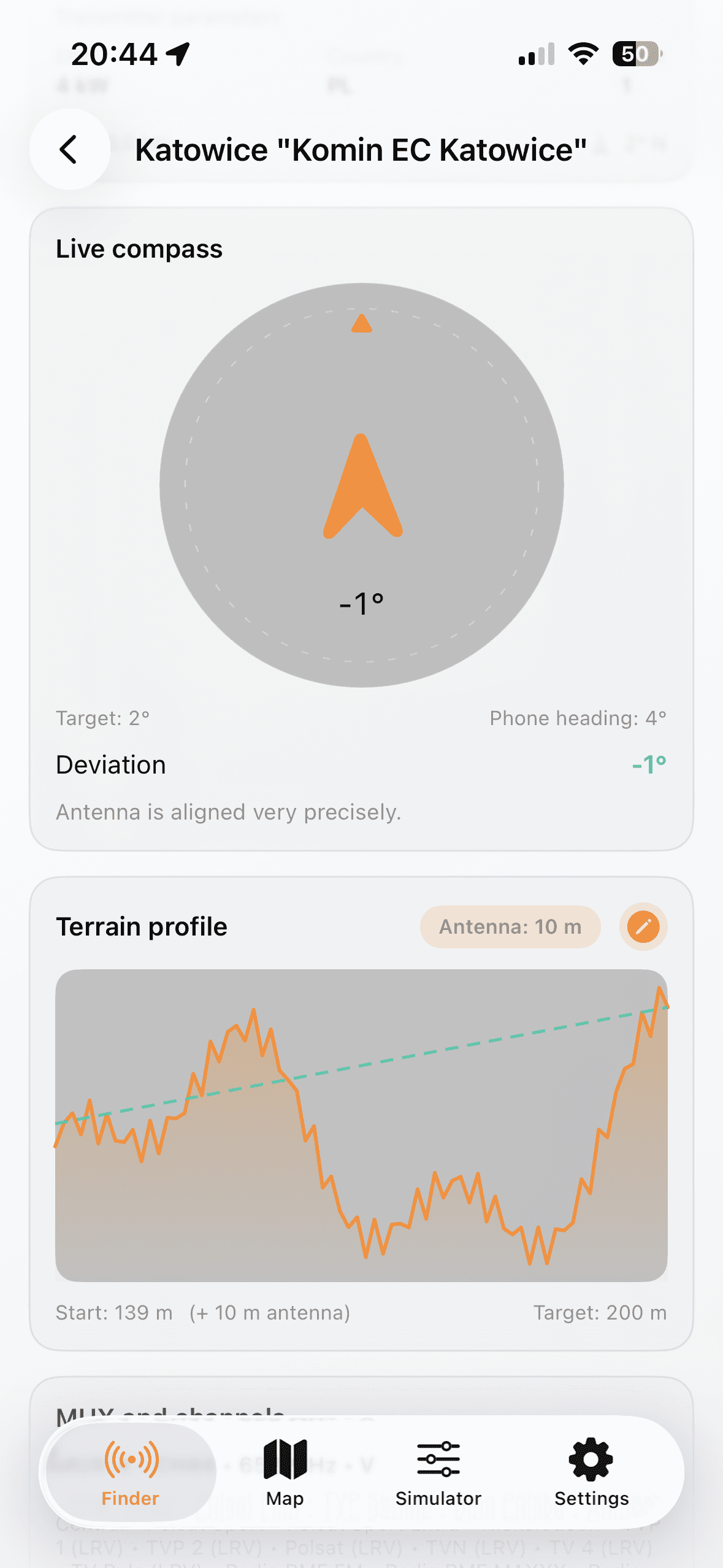
Odaberi lokaciju i odašiljač
- Choose country and allow GPS or set manual coordinates.
- Open Finder and shortlist transmitters by distance and MUX.
- Open details to check azimuth, ERP, channels, and terrain profile.
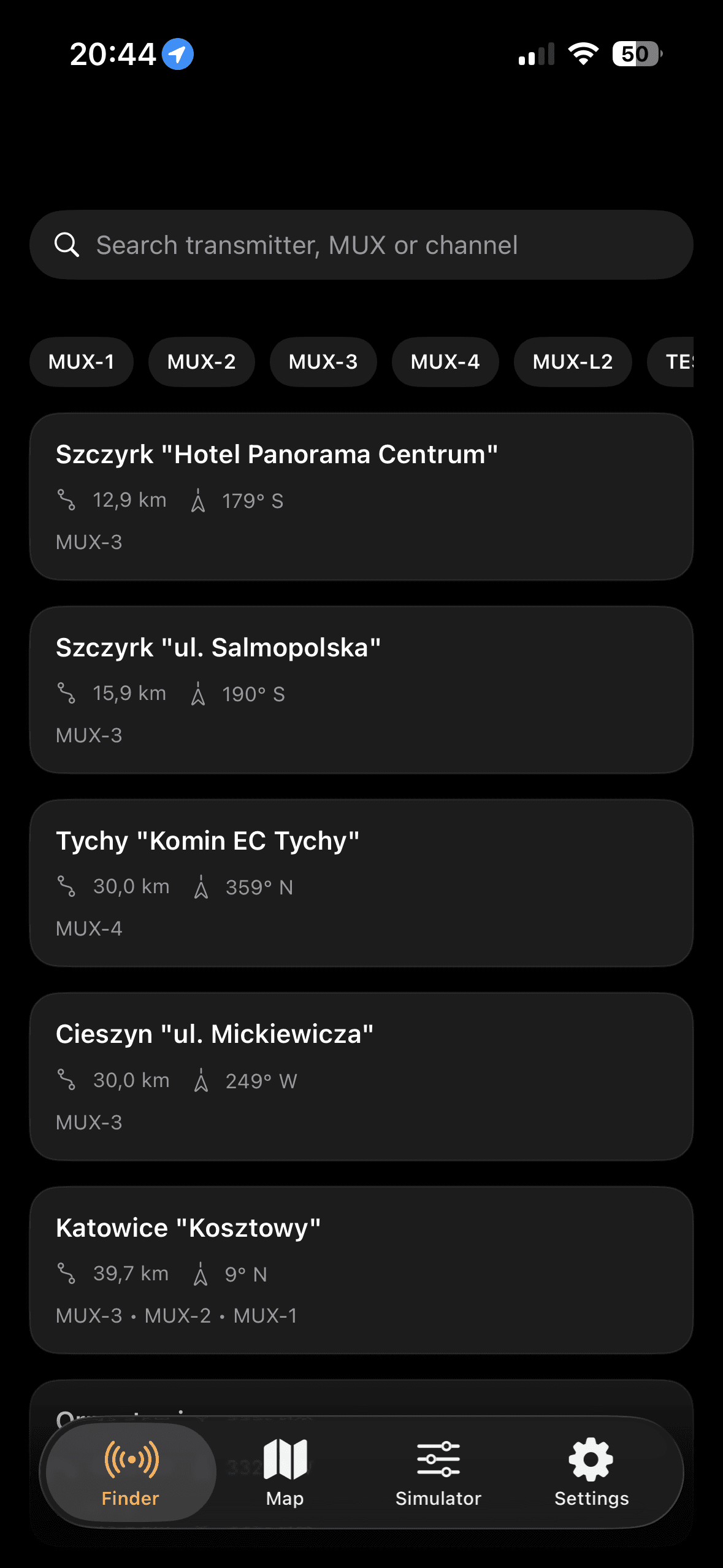
Praktičan tijek rada za brze terenske provjere i podešavanje antene.
Najbolji rezultat daje iterativni pristup u Hrvatskoj: odaberi ciljni odasiljac, usmjeri azimut kompasom i potvrdi marginu parametrima instalacije.