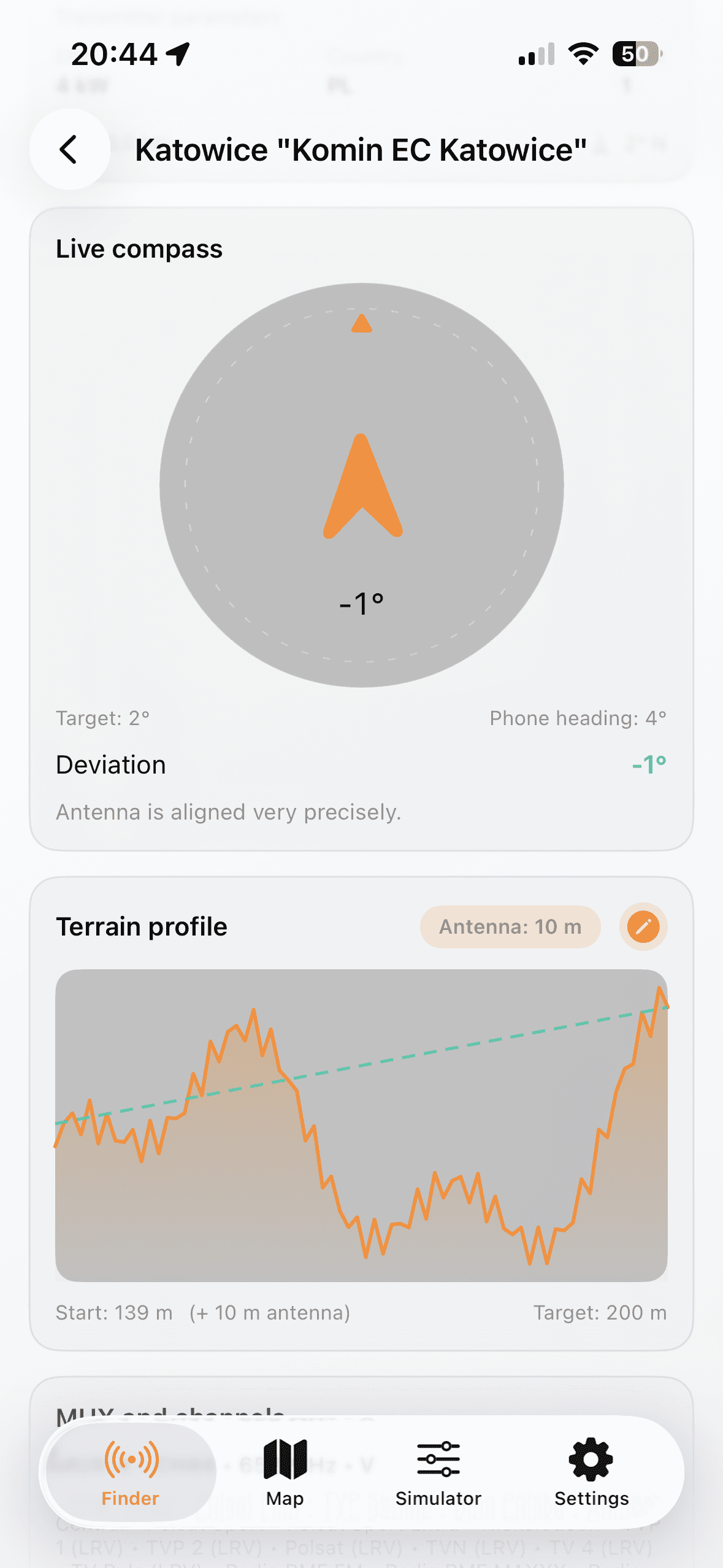
Выберите локацию и передатчик
- Choose country and allow GPS or set manual coordinates.
- Open Finder and shortlist transmitters by distance and MUX.
- Open details to check azimuth, ERP, channels, and terrain profile.
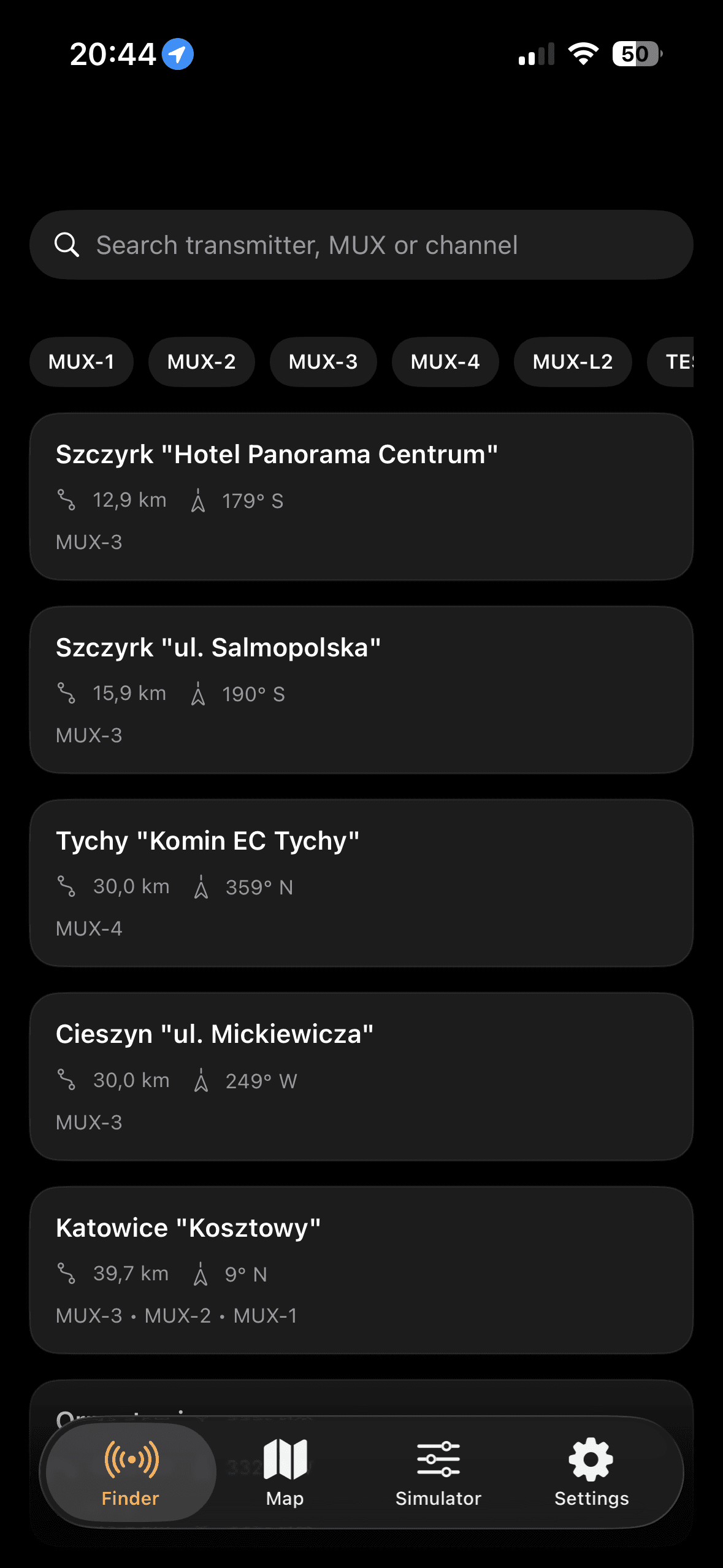
Практичный сценарий для быстрых полевых проверок и настройки антенны.
Лучший результат дает итеративный процесс в России: выбор целевого передатчика, настройка азимута компасом и проверка запаса по параметрам установки.